Security Guide: Why .SAM Conversion Should Stay Offline
The threat model is not exotic hacking. It is a well-meaning employee uploading a 1996 settlement agreement to a website to read it, and nobody being able to say what happened next.
TL;DR
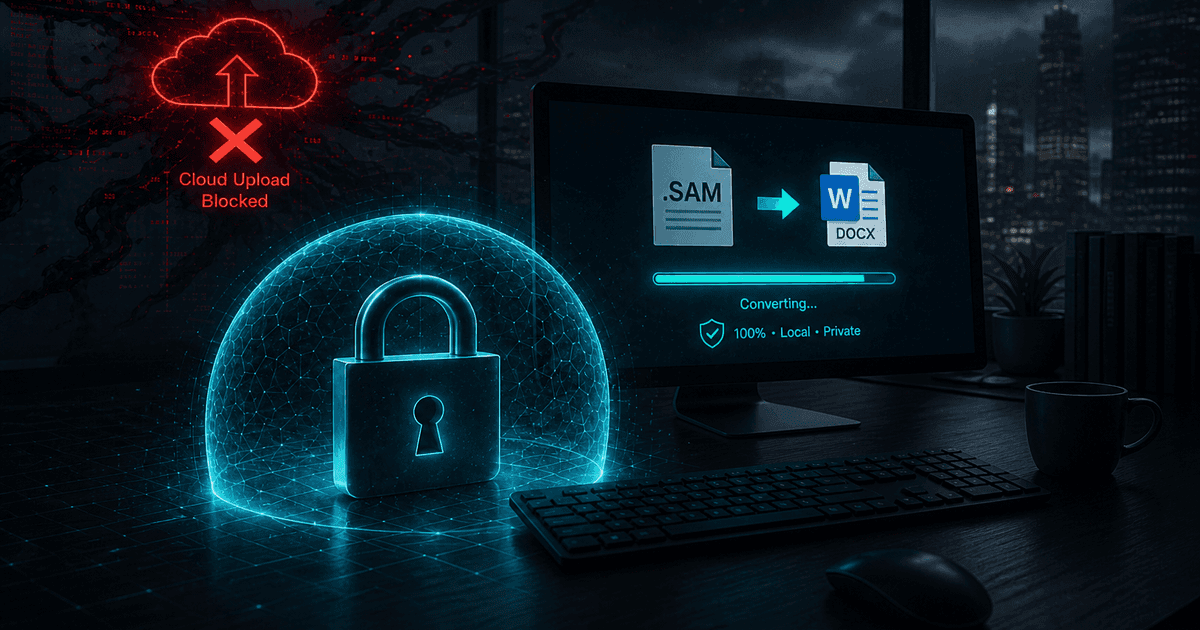
An Ami Pro archive is a concentration of exactly the material that should never be uploaded: signed contracts, litigation files, personnel records, medical correspondence, board minutes. Free online converters turn an internal read into an untracked third-party data transfer with no retention terms, no processing location, and no audit trail. Local desktop conversion removes the transfer entirely — the file is read from your disk, processed in memory, and written back. Convert with Ami Pro Converter and there is nothing to disclose.
What is actually in an Ami Pro archive
Ami Pro was at its most popular in the early-to-mid 1990s, and it was strongest exactly where documents matter: law firms, government departments, universities, hospitals, insurers, and engineering consultancies. The documents that survive from that period are not drafts and scratch notes. They are the material that was worth keeping.
In practice that means signed contracts and their amendments, litigation correspondence and case files, employment agreements and disciplinary records, patient and client letters, board and committee minutes, regulatory submissions, grant applications, land and property records, and technical specifications that may still be commercially sensitive.
These documents also tend to be under retention obligations, which is why they are still around — and being under a retention obligation usually means being under a confidentiality obligation too.
Why the "just find a converter online" instinct is dangerous
Nobody uploads a confidential document intending to breach anything. The sequence is mundane: someone needs to read an old file, discovers nothing on their PC opens it, searches for a free converter, and uploads it because that is what the website asks for. From their perspective they are reading a document. From a compliance perspective, personal or privileged data has just been transferred to an unidentified third party.
The specific unknowns are worth stating plainly, because "it is probably fine" tends to survive right up until it needs to be written down.
- Retention — how long the uploaded file is stored, and whether the deletion claim is verifiable
- Location — which country processed the data, and therefore which laws applied
- Access — who at the service can read uploads, and whether access is logged
- Subprocessors — whether conversion is delegated onward to another provider
- Secondary use — whether uploaded content is used for testing, analytics, or model training
- Breach notification — whether you would ever be told if their storage were compromised
The regulatory framing
1. GDPR and similar regimes
Uploading personal data to a third-party service is processing by a processor. That normally requires a lawful basis, a data processing agreement, and a record of the transfer — none of which exists when an employee uses a free website. Old HR and client files are dense with personal data.
2. Legal privilege
Privilege depends on confidentiality being maintained. Voluntarily transmitting privileged material to an unnecessary third party is, at minimum, an argument you do not want to have to make. Local conversion never raises the question.
3. Health and financial data
Regimes such as HIPAA and GLBA impose specific safeguards on protected information, including agreements with any party that handles it. A free converter is not going to sign one, and using it anyway is a documented control failure.
4. Contractual confidentiality
Many of these documents are themselves NDAs or contain confidentiality clauses. Uploading a contract to read it can breach the very clause you are trying to check — a specific and slightly absurd risk unique to legacy conversion work.
Why local conversion changes the analysis entirely
The strength of a local desktop converter is not that it is more secure in a marginal sense. It is that the risky event does not occur. There is no upload, no third-party storage, no cross-border transfer, and no processor relationship — so the questions a compliance review asks simply do not apply.
That makes documentation trivial. Instead of a vendor assessment, a DPA, and a transfer record, the control is one sentence: conversion is performed locally on managed workstations and no document content leaves the network. Auditors can verify it with a network capture if they want to.
It also means the work can happen where the data already is — on an air-gapped machine, inside a secure records room, on a locked-down migration workstation with no internet access at all. That is impossible with any web-based tool by definition.
Practical controls for a legacy conversion project
- Run conversions on a managed workstation, ideally one with no outbound internet access during the job
- Copy the archive to a working folder and convert into a separate output tree, leaving originals untouched
- Retain the conversion log as evidence of what was processed and when
- Restrict access to the output folder to the same group that could access the source
- Give staff a sanctioned tool and tell them it exists — shadow IT thrives on unmet needs
- Write the "do not upload legacy documents to conversion websites" rule down explicitly; people follow rules they have read
The operational argument, not just the compliance one
Even setting risk aside, online converters are the wrong tool for this job. They handle one file at a time, cap file sizes, apply watermarks, and cannot see a folder tree. A real Ami Pro archive is hundreds or thousands of documents spread across nested directories, often with uppercase extensions and companion .STY style sheets that a web upload form cannot associate with the document.
Fidelity suffers too. A generic web converter has no Ami Pro parser to rely on, so it typically scrapes text — losing style sheets, tables, diagrams, and equations. You take on all the disclosure risk and get a worse result.
The secure option and the good option are the same option here, which is unusual and worth pointing out to anyone who assumes security means friction.
Why offline conversion is the defensible choice
- No upload means no third-party transfer to assess, document, or disclose
- Works on air-gapped and internet-restricted workstations
- Batch conversion handles real archives instead of one file at a time
- Style sheets, tables, diagrams, and equations are preserved rather than scraped
- A conversion log provides a defensible record of the migration
Remove the risk instead of managing it
Most data-protection work is about controlling a risk you cannot avoid. This one you can avoid. There is no reason a legacy document conversion should involve a network transfer at all, and once you remove it, an entire category of questions disappears.
Give the team a local converter, tell them why the website route is off-limits, keep the logs, and retain the originals. The archive becomes readable and the compliance story becomes a single sentence.
Convert your files
Related reading
Convert confidential Ami Pro documents without uploading them
Free trial converts up to 10 .sam files entirely on your PC — suitable for air-gapped and restricted environments.
Free trial
Full app features — up to 10 files
Windows 10 or 11
Download the Windows installer for the full 10-file trial. Same app you unlock with a license — 100% local on your PC.